FAQ
FAQs and troubleshooting
This site is a collaboration space for airline staff, Ground Handling Service Providers, safety auditors, and employees of other closely related organizations to identify and discuss safety and operational issues in aviation.
Complete the following steps to get connected:

If you encounter difficulties with your Customer Portal account, please refer to the Portal Troubleshooting page which contains a troubleshooting form. Once submitted, our Customer Service team will investigate.
You can also find a user guide for external users here.
At any time, to return to the home page, use the IATA Connect Logo on the left of the menu bar.
When signing up for an account in the IATA Customer Portal, you must complete your profile to identify the company you work for. If you are employed by an airline, be sure to select the "Airline Headquarters" account.
Your user account in the Customer Portal will show the available services options according to the SECTOR your company is attributed to. If your company sector is not included in the user types expected for IATA Connect, it will not be shown to you. Very few sectors are excluded from IATA Connect, however Sales Agents and Travel Agencies are specifically not included as there are multiple other IATA sites and resources for these activities.
If you have selected an incorrect Company Account, you will need to:
- Login to the Customer Portal
- Go to HELP and choose CONTACT US
- RAISE A CASE requesting that you be reassigned to the correct account.
All IATA Connect access for external users is managed through the IATA Customer Portal.
If you have completed the steps detailed above to join the site and still cannot access IATA Connect, you should first review the troubleshooting information and then create a case for further assistance if needed.
This could be one of two reasons:
- Inactivity/Expired password
If you do not use the IATA online services for 90 days, your access will be temporarily revoked. To reset, LOGIN TO THE IATA CUSTOMER PORTAL and then:- Go to SERVICES > MY SERVICES
- Choose IATA Connect and GO TO SERVICE
- Rejected by your company portal administrator
When you join the IATA Customer Portal, you have to complete your profile associating your account to your company in order to ensure that IATA Connect is available to you in the Services list.
Your request to join your company account is then passed to your employer’s IATA Customer Portal Administrator.
If your request is declined by your IATA Customer Portal administrator, your access to IATA Connect will be automatically cancelled.
We suggest that you always use a company email address so that your company administrator can validate and approve your access.
- Update your profile
- Join groups appropriate to your expertise and interest. These groups are managed by IATA Subject Matter Experts and membership is limited to airlines and others detailed in the ABOUT tab of the group.
- View your newsfeed to see what is happening in the site
- Make a post, comment and like others' posts and come back often.
A group is a place to meet peers, ask for help and give advice on relevant topics or issues.
Groups are available for each operational area within the Safety Connect menu.
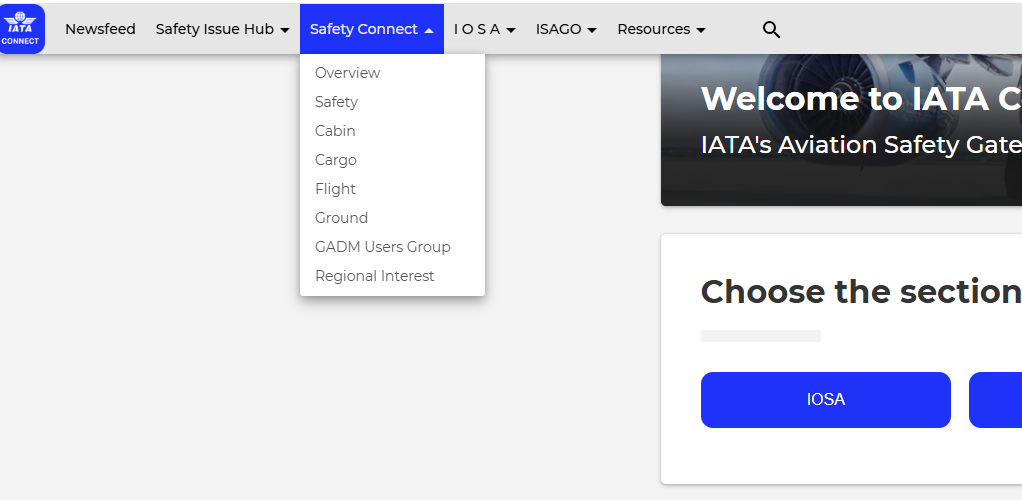
Once you have selected the group you wish to join, use the REQUEST TO JOIN button on the left side of the group page. The group owner will approve or reject your application.
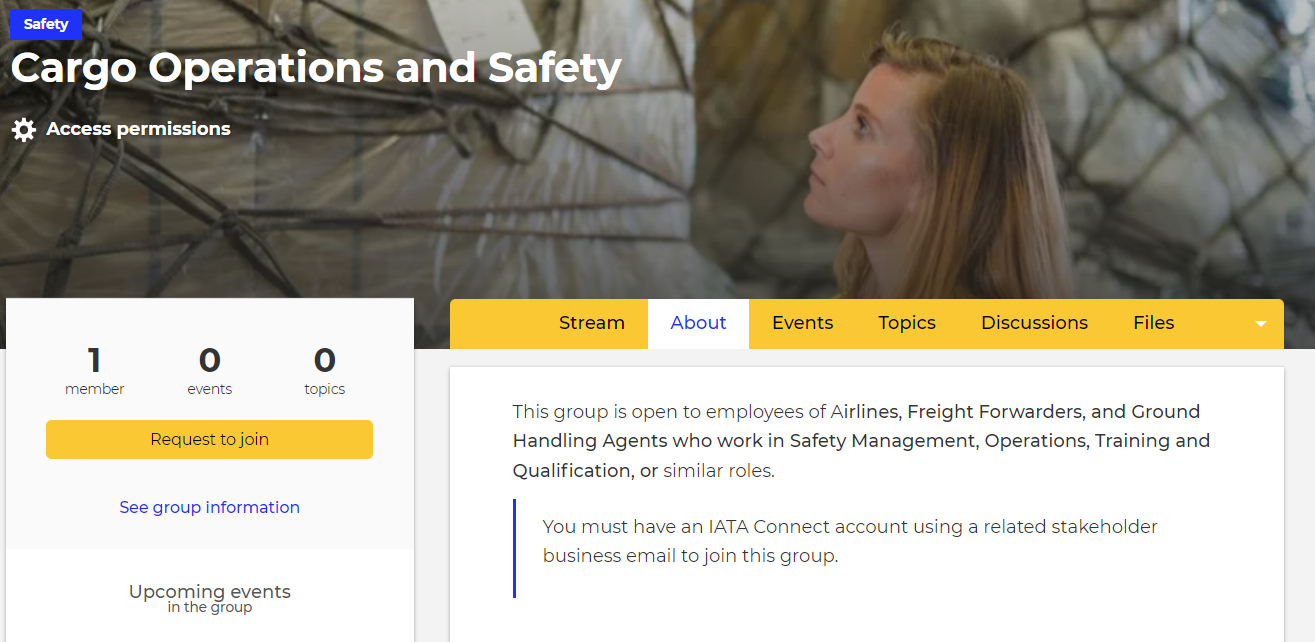
Most groups are open to join, but membership is carefully managed to maintain a safe space for discussions to take place between airlines and industry peers. Members whose account is connected to a personal email address (e.g. yahoo, gmail, hotmail etc) are not usually permitted to join the discussion groups.
If a group owner cannot validate your professional email address or verify that you are working for an organization that is permitted to join, then they will likely decline the request.
We therefore recommend that you complete your user profile with as much detail as possible so the group manager can see who you are. You can choose what information to hide from others at any time.
You can make a general, social post within a group, however this post will not be searchable. It will also push to the end of the newsfeed if it is no longer getting replies.
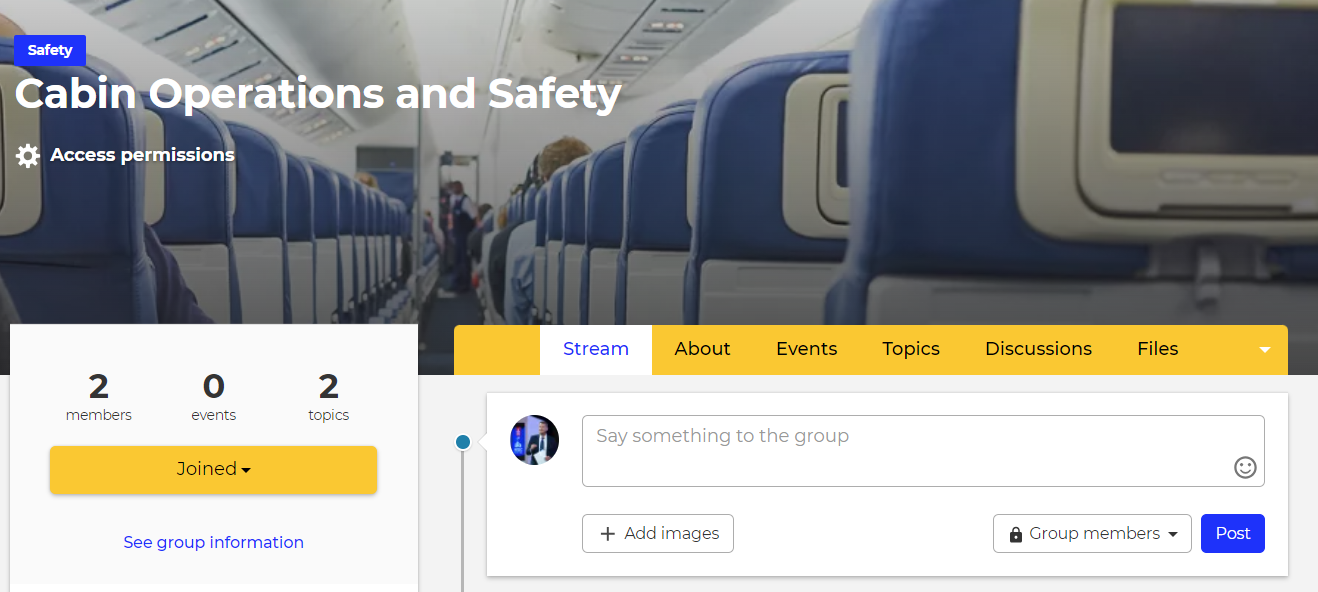
If you want to ask a question, or inform the group about something more important, please go to the appropriate group, select the TOPICS tab at the top and then CREATE A TOPIC button on the left side.
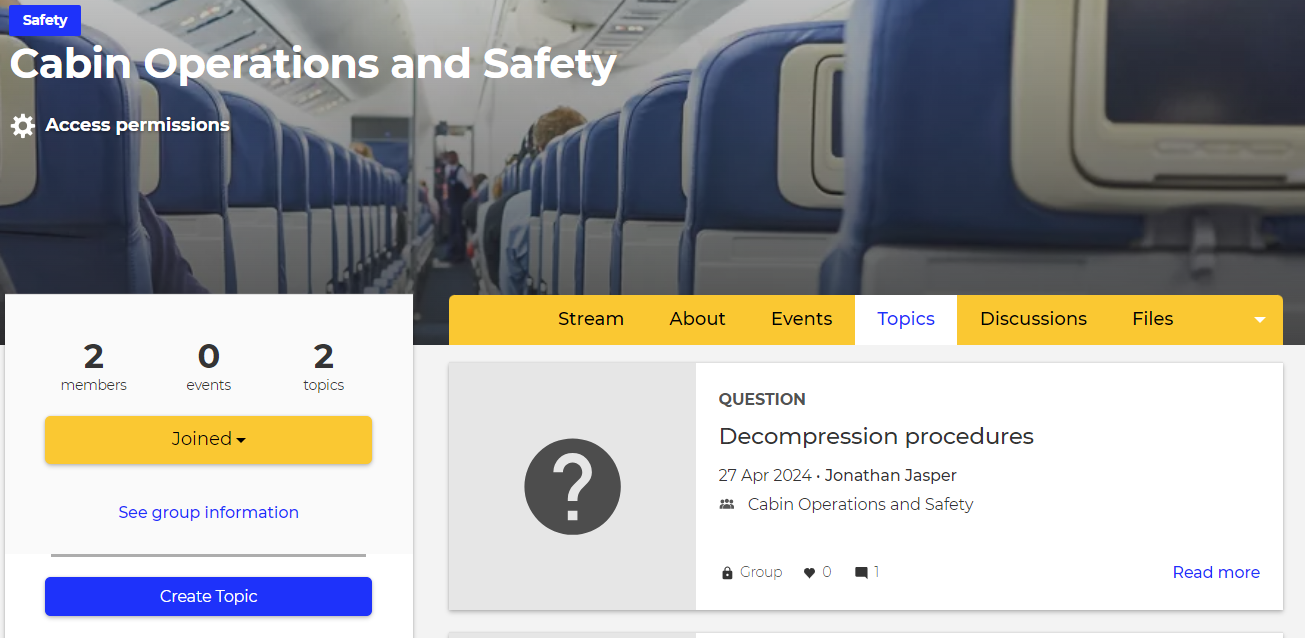
This will ensure that your post and any responses received remain available in the resource library for future reference.
A TOPIC is a general post, news, or a question and is available to all users. If you make a TOPIC post, it will be searchable and found in the resource library.
A DISCUSSION is a post relating to a specific issue, in which replies can be limited to a certain timescale and moderated before replies are published to others. Only IATA staff are able to create a DISCUSSION post to seek input from users on specific issues and activities.
Each user's newsfeed will comprise of:
- Items they have interacted with.
- Content displaying tags which they follow.
- Content posted within a Group to which they have joined.
- Content posted that is visible to “the community”.
You can increase the content in your newsfeed by "following" more tags, joining more groups, or interacting with posts.
When making a post from the CREATE TOPIC menu item, your default will be to the "Community", which means all users. You can override this in the topic settings to be created within a group to which you belong.
If you make a post within a group page using the CREATE TOPIC button it will only be visible to the group members.
In order to keep the newsfeed relevant to each user, if you have made a post to "the community" which is more appropriate to be posted in specific group, a group owner may move it so that it appears in the newsfeed of the group members only.
The translation feature is powered by Google translate and is not a function of the site itself.
The Google dictionary is generalized and does not usually include acronyms and common aviation terms, so sometimes it provides an incorrect translation.
If you have used the translation feature and wish to reset to English, please use the RESET button at the bottom right of the translation feature to clear its memory.

If you have joined in error, or no longer wish to use IATA Connect, please go to the IATA Customer Portal, sign in and select MANAGE SERVICE in the IATA Connect tile. You will see the option to cancel the service.
This will deactivate your IATA Connect account and block access.